
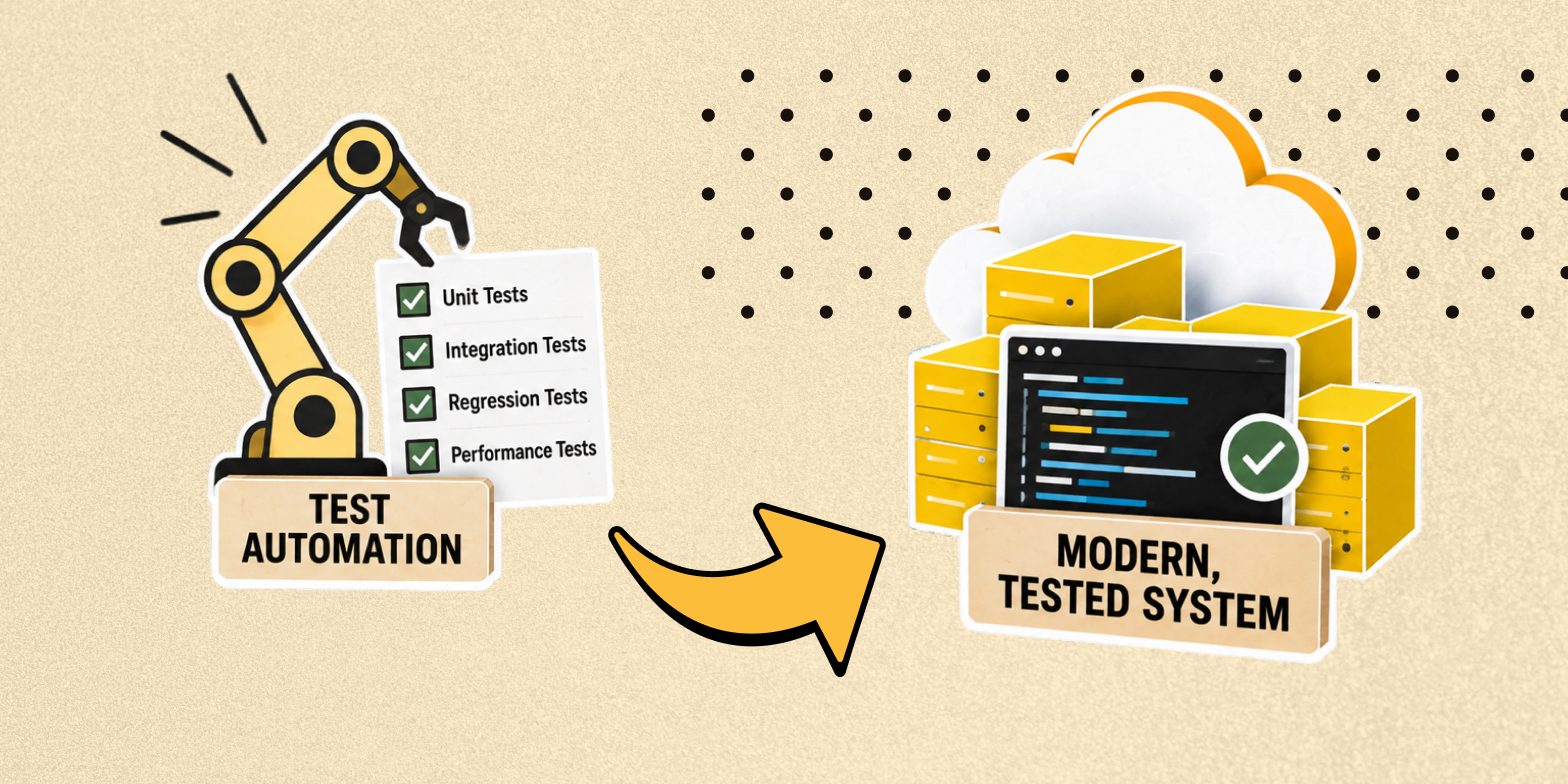


Testing Automation Strategies for Legacy System Rebuilds
Rebuilding a legacy system is an opportunity to improve software architecture, performance, scalability, and maintainability. However, it also introduces a significant risk: existing business functionality can break during modernisation.
Many legacy applications have limited documentation, outdated testing frameworks, and little or no automated test coverage. Critical business rules may be embedded in database procedures, tightly coupled modules, or user interface components. As a result, development teams often rely on manual verification and the knowledge of experienced employees to determine whether the rebuilt application behaves as expected.
Test automation for legacy system rebuild projects helps teams preserve existing business logic, detect regressions early, and validate new functionality throughout modernization. Rather than attempting to automate every test immediately, teams should prioritise business-critical workflows, establish reliable test data, and gradually introduce automated checks into the development pipeline.
Our article reveals how to build a practical legacy system test strategy, select appropriate testing tools, address common automation challenges, and establish measurable quality controls during and after a system rebuild.
Why Test Automation Matters in Legacy Rebuilds
Legacy modernization can involve migrating to a new technology stack, replacing outdated infrastructure, decomposing a monolithic application, or rebuilding an entire system around a modern architecture.
Regardless of the approach, the goal is usually to preserve essential business capabilities while improving the underlying technology.
This creates a challenge: how can teams verify that the new system behaves correctly when the original application has few automated tests or incomplete documentation?
Preserving existing business logic
Legacy applications often contain years of accumulated business rules, exceptions, and workarounds. Some are documented, while others are understood only by employees who use the system daily.
Automated tests can capture this behaviour before it is changed. For example, a billing application might calculate discounts differently depending on customer history, contract terms, or payment status.
By recording expected results for representative scenarios, teams create a reference point against which the rebuilt application can be evaluated.
Reducing regression risk
Changes to one component can affect other parts of a legacy application, particularly when dependencies are tightly coupled. A database schema update, for example, might affect reporting, invoicing, and customer management simultaneously.
A reliable regression test suite helps identify these issues before they reach production. It also reduces dependence on lengthy manual testing cycles.
Enabling faster and more predictable releases
Automated tests provide repeatable feedback whenever developers modify the codebase. Integrated into continuous integration and continuous delivery (CI/CD) pipelines, they help teams identify defects earlier and make release decisions using consistent quality criteria.
This is particularly valuable when a legacy system is being migrated incrementally, because old and new components may need to operate together throughout the transition.
Common Testing Challenges in Legacy Modernization
Before selecting tools or writing test scripts, teams should understand the technical and organizational constraints of the existing application.
1. Limited documentation and missing requirements
Legacy systems may lack up-to-date specifications, architecture diagrams, and acceptance criteria. Without a clear understanding of expected behaviour, testers can struggle to distinguish defects from undocumented business rules.
ModLogix’s recommended approach: Use exploratory testing, stakeholder interviews, production logs, and existing business reports to identify expected behaviour. Convert verified findings into executable tests and documented acceptance criteria.
2. Tightly coupled components
In a monolithic application, business logic, database operations, and presentation layers may depend heavily on one another. Testing an individual function can require initialising the entire application or connecting to several external services.
ModLogix’s recommended approach: Introduce seams between components through interfaces, dependency injection, and abstraction layers. Refactoring testable components incrementally makes it easier to isolate business logic without requiring an immediate architectural rewrite.
3. Business logic embedded in the user interface
Some older applications perform calculations and validation directly in UI event handlers. This makes automated unit testing difficult because the logic cannot be tested independently of the interface.
ModLogix’s recommended approach: Extract business rules into dedicated services or modules and cover them with unit tests. Retain UI tests for behaviour that genuinely depends on user interaction.
4. Inconsistent or sensitive test data
Legacy applications often depend on complex database relationships, historical records, and specific data formats. Missing or inconsistent records can produce unreliable test results. Production data may also contain personally identifiable or commercially sensitive information.
ModLogix’s recommended approach: Create controlled test datasets, generate synthetic records, and use anonymised snapshots when appropriate. Validate data relationships and establish repeatable setup and cleanup procedures.
5. High costs of manual regression testing
When every release requires testers to repeat the same workflows, regression testing becomes slower and more expensive as the application grows.
ModLogix’s recommended approach: Identify repetitive, business-critical scenarios and automate them first. Manual testing should remain available for exploratory testing, usability evaluation, and scenarios that require human judgement.
These challenges demonstrate why QA for legacy modernization needs to be planned as part of the engineering process, rather than treated as a final verification phase.
A Practical Legacy System Test Strategy
An effective legacy system test strategy combines risk-based prioritization, incremental test development, and continuous validation. The following steps provide a structured starting point.
1. Audit the existing test landscape
Begin by assessing the application’s current quality controls. Review existing unit and integration tests, manual test cases, defect reports, monitoring data, and deployment procedures. Identify which components have meaningful test coverage and which depend primarily on manual verification.
Map the application’s critical business processes, such as payments, order processing, inventory updates, user permissions, and reporting. For each process, assess its business impact, change frequency, dependency complexity, and consequences of failure.
The result should be a prioritised testing backlog that identifies the most important risks, existing gaps, and automation opportunities.
2. Prioritize tests using the test pyramid
The test pyramid provides a useful model for balancing testing effort across different levels.
- Unit testing: Verifies individual functions, calculations, and business rules in isolation. Unit tests are typically fast and inexpensive to run.
- Integration testing: Validates interactions between modules, databases, APIs, and external services.
- End-to-end (E2E) testing: Verifies complete business workflows through the application’s user interface or other relevant entry points.
For most applications, teams should aim for a broad foundation of reliable unit tests, a substantial set of integration tests, and a smaller collection of high-value E2E scenarios.
This balance matters when testing modernized legacy apps. UI tests can validate critical user journeys, but relying on them for every business rule often leads to slow execution and fragile test suites. The appropriate distribution depends on the architecture, available test interfaces, and business risks. The test pyramid is a guiding principle, not a fixed ratio.
3. Establish baseline behaviour before rebuilding
When the original application is operational, capture its existing behaviour before replacing or significantly modifying components. Use representative inputs and record expected outputs, database changes, API responses, and relevant error conditions. These tests can serve as characterization tests: checks that document what the existing system actually does, including behaviour that may not be described in formal requirements.
For example, a legacy billing system may apply rounding rules that differ from standard financial calculations. Characterization tests help preserve those rules unless the business explicitly approves a change.
This approach is especially useful for automated testing for legacy code because it creates a testable baseline before extensive refactoring begins.
4. Refactor components to improve testability
Automation is more difficult when business logic cannot be isolated from infrastructure or presentation code.
Refactoring does not necessarily mean redesigning the entire system. Start by extracting frequently changed or high-risk logic into smaller, testable components. Introduce interfaces around external dependencies, use dependency injection where appropriate, and separate business rules from database access and UI operations.
When dependencies cannot be easily replaced, mocking legacy dependencies can help isolate the component under test. Mocks and stubs can simulate database responses, external APIs, file systems, and legacy services.
However, simulated behaviour should not replace all real integration testing. Teams still need tests that verify actual contracts and data flows between components.
5. Build an automated regression test suite
A regression test suite should cover the functionality most likely to be affected by the rebuild.
Start with essential business workflows and expand coverage as the team gains confidence. Select tools that fit the technology stack and existing engineering practices.
Common options include:
- Selenium, Playwright, and Cypress for browser-based UI automation.
- JUnit, NUnit, xUnit, and TestNG for unit and application-level tests.
- Postman/Newman, WireMock, and REST Assured for API and integration testing.
Choose tools based on compatibility, maintainability, reporting, execution speed, and team expertise rather than popularity alone.
6. Integrate testing into CI/CD pipelines
Automated tests deliver more value when developers receive feedback continuously.
Configure the CI/CD pipeline to run appropriate tests whenever code changes are submitted. A typical sequence includes static analysis and unit testing, followed by integration testing, smoke tests, and selected E2E tests. More expensive or environment-dependent tests can run on a scheduled basis or before specific release milestones.
Use staging and sandbox environments that resemble production closely enough to reveal meaningful integration and configuration issues. Automate environment setup where practical to reduce inconsistencies between test runs.
7. Validate the rebuilt system against business requirements
Testing a rebuilt application requires more than confirming that its new components work individually.
Teams should compare the behaviour of the old and new systems across representative scenarios. This may involve running equivalent inputs through both applications and comparing calculations, API responses, data transformations, and generated reports. Any differences should be classified as expected improvements, approved business changes, or defects.
This comparison is particularly valuable when testing a legacy application rebuild involving database migration, platform replacement, or gradual migration from a monolith to services.
Tooling for Legacy Testing Automation
The right tooling depends on the programming language, architecture, infrastructure, and test objectives. The following tools are commonly used in modernization projects.
| Testing area | Example tools | Primary purpose |
|---|---|---|
| Unit testing | xUnit, NUnit, JUnit, TestNG | Verify business logic and individual components |
| API and integration testing | Postman/Newman, REST Assured, WireMock | Validate service contracts and dependencies |
| UI automation | Playwright, Selenium, Cypress | Verify user interactions and critical journeys |
| CI/CD | GitHub Actions, Azure DevOps, Jenkins | Execute tests during development and release |
| Coverage and quality analysis | Coverlet, JaCoCo, SonarQube | Measure coverage and identify code-quality issues |
Tool compatibility should be verified against the actual application and its runtime. For example, the choice between xUnit and JUnit depends partly on whether the application uses .NET or Java.
Test automation tools alone do not create a robust QA process. Teams also need maintainable test architecture, clear ownership, reliable environments, and meaningful failure reports.
Test Data and Environment Management
Reliable test results depend on reproducible test conditions. Even well-designed automated tests become difficult to trust when the underlying data or environment changes unpredictably.
Generate representative test data
Test data generation should cover normal operations, boundary conditions, invalid inputs, and exceptional business scenarios. For a financial application, this might include zero-value transactions, rounding boundaries, duplicate payments, expired contracts, and rejected transactions.
Synthetic data can reduce privacy risks while preserving the structures and relationships required by the application. If production-like snapshots are necessary, apply appropriate anonymisation, access controls, retention policies, and data-handling procedures.
Create a repeatable test harness
A test harness provides the utilities required to initialise test conditions, execute checks, collect results, and clean up afterwards.
For legacy applications, it may include database fixtures, service simulators, test data loaders, configuration helpers, and adapters for older interfaces.
A well-designed test harness reduces duplicated setup code and makes it easier to execute the same tests across local development, CI pipelines, and staging environments.
Automate environment provisioning
Infrastructure as Code (IaC) tools can help teams provision consistent test environments. Containers, where compatible with the application, can also reduce differences between development and CI execution.
Legacy systems may still require dedicated virtual machines, specific operating systems, or hardware-dependent integrations. In those cases, automate as much configuration as practical and document the remaining environmental constraints.
Measuring Test Coverage and Continuous Improvement
Test coverage for legacy applications should be evaluated through multiple indicators rather than a single percentage.
Code coverage measures which parts of the code execute during tests. It does not prove that assertions are correct, that important business scenarios are covered, or that the system meets user expectations. A more useful measurement framework combines technical and business-oriented metrics.
| Metric | What it helps evaluate |
|---|---|
| Code coverage | Which code paths are exercised by automated tests |
| Business scenario coverage | Whether critical workflows and rules are validated |
| Defect escape rate | How frequently defects reach later testing stages or production |
| Test flakiness | How often tests fail inconsistently without a corresponding product defect |
| Test execution time | How quickly teams receive actionable feedback |
| Regression failure rate | How frequently changes introduce previously resolved or existing defects |
Establish a baseline before introducing major automation changes. Then monitor trends and adjust priorities based on the defects discovered, business impact, and cost of maintaining the test suite. A practical approach is to expand coverage in small increments, remove unreliable tests, and separate fast feedback checks from longer-running suites.
For production deployments, combine automated quality gates with monitoring and a tested rollback strategy. Automated tests reduce release risk, but they cannot eliminate every production issue.
ModLogix’s Approach to Testing During Legacy System Re-Engineering
ModLogix’s re-engineering project for the healthcare review management platform illustrates several areas where testing plays an important role in legacy modernization. The project involved addressing code quality issues, improving data-processing efficiency, and optimising dashboard performance.
Although the published case study focuses on re-engineering and optimization rather than a specific test automation implementation, its technical challenges highlight opportunities for a structured testing strategy.
Validating business logic. Changes to rating calculations and data-processing algorithms should be covered by automated unit tests to verify that existing business rules continue to produce accurate results. Regression tests can help detect unintended changes when legacy components are refactored.
Testing data processing and integrations. Integration tests can validate data flows between the application, database, and external review platforms. Test datasets should cover typical scenarios, edge cases, and large data volumes to identify potential processing errors.
Preventing performance regressions. Performance tests can establish baselines for dashboard response times, memory usage, and resource consumption. Repeating these tests after code changes helps teams verify that optimisation efforts deliver improvements without introducing new bottlenecks.
Automating regression checks. Unit tests, integration tests, and smoke tests can be integrated into CI/CD pipelines to provide consistent feedback throughout development and before releases. A focused set of end-to-end tests can additionally validate critical user workflows.
The key takeaway is that testing should accompany legacy code changes from the beginning. Establishing baseline behaviour, automating checks for critical functionality, and monitoring performance regressions helps engineering teams maintain application reliability while improving existing systems.
Conclusion
Test automation for legacy system rebuild projects is a risk-management practice as much as a technical activity. It helps teams preserve business-critical behaviour, identify regressions earlier, and establish a repeatable quality process as applications move to modern platforms.
The most effective approach is incremental: audit existing tests, prioritize critical workflows, capture baseline behaviour, refactor components for testability, and introduce automated regression checks into CI/CD pipelines.
For organizations modernizing legacy software, success does not require automating everything at once. It requires building confidence in the parts of the system where failure would have the greatest business impact, then expanding coverage as the application evolves.
Planning a legacy system rebuild? Start with a QA and test automation assessment to identify coverage gaps, high-risk workflows, and the most practical path toward reliable, maintainable testing. If you require professional assistance, contact ModLogix for testing modernized legacy apps.


